Every repair receipt, filed by property.The receipt app for UK landlords.
Snap the plumber’s receipt and it’s filed under Flat 2’s repairs. Agent fees, safety certificates, the new boiler: sorted by property and by SA105 box, ready for your accountant at year end.
Receipts are read on your phone and never sent to us. No account to set up.
Rent through your own account?
Most small landlords don’t have a business bank account, so bank tools can’t see their costs. Tillslip works from the receipt, whichever card or cash paid for it.
Each property kept apart
Give each property a nickname. Receipts, mileage and totals are kept per property, and archived when you sell.
Mortgage interest kept apart
Finance costs aren’t a box on SA105: they get a 20% tax credit instead. Tillslip files them separately so they’re never added to your expenses.
The costs Tillslip sorts for you
| You snap | Filed as | On the return |
|---|---|---|
| Plumber, boiler service, decorating | Repairs and maintenance | SA105 box 25 |
| Landlord insurance, ground rent, service charge | Rent, rates, insurance | SA105 box 24 |
| Letting agent, gas safety certificate, legal fees | Letting and legal fees | SA105 box 27 |
| Cleaning, gardening, bills you pay | Services | SA105 box 28 |
| Replacement fridge, sofa, carpet | Replacement domestic items | Replacement of domestic items relief |
| Mortgage interest statement | Mortgage interest, kept apart | Finance costs (20% credit) |
Boxes from the 2026–27 SA105 property pages. Checked against GOV.UK on 24 October 2026.
About ten seconds a receipt
- Snap
Point the camera
Shop, date, total and VAT are read on your phone in a second or two. Paper receipts, emailed PDFs, a whole pile at once.
- File
The right tax heading
It suggests the Self Assessment category in plain English, for your work or for a property, and flags anything it isn’t sure of.
- Total
Year and quarter
Running totals for the tax year and each quarter, with mileage at HMRC rates and a reminder before each deadline.
- Hand over
Export in one go
A PDF pack for your accountant, or a CSV for FreeAgent, Xero, QuickBooks or a spreadsheet.
What it looks like
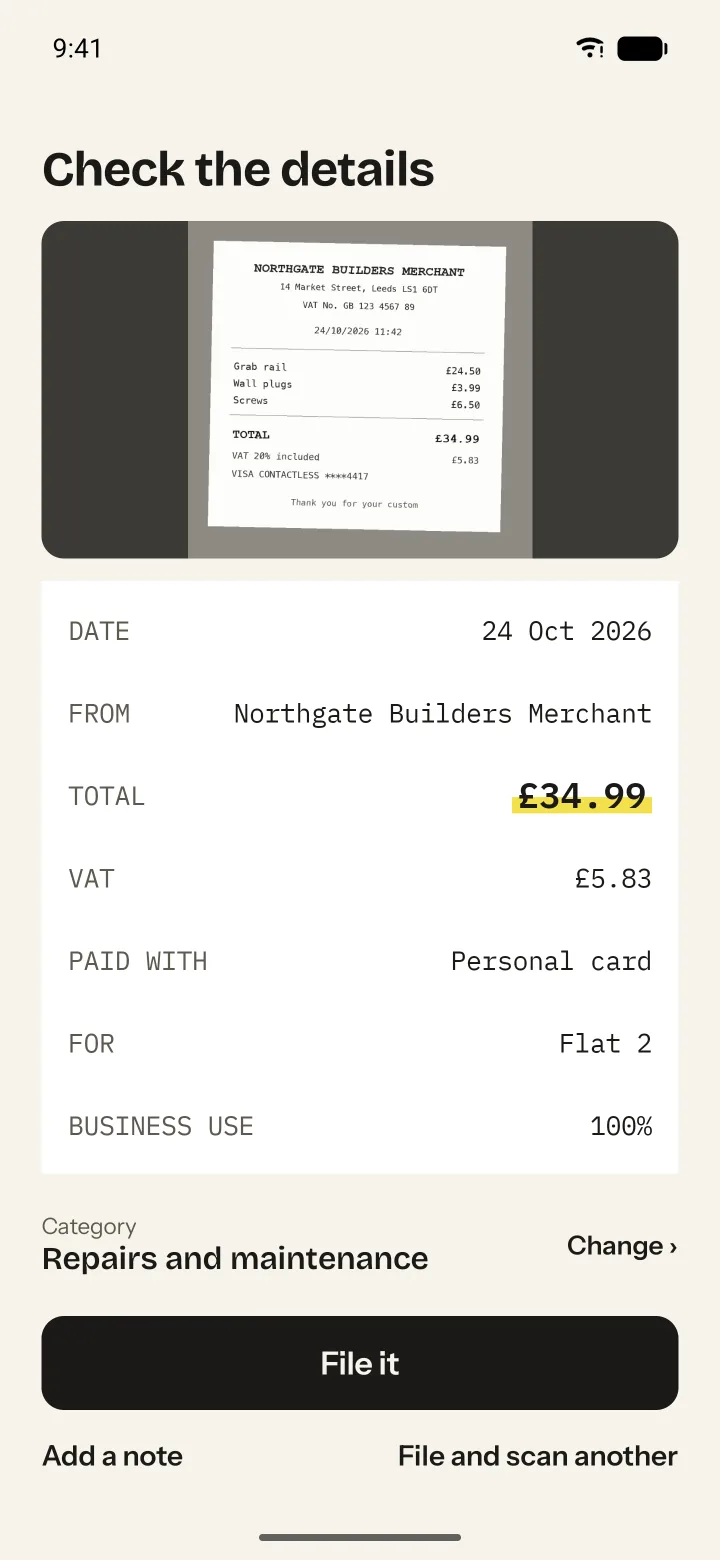
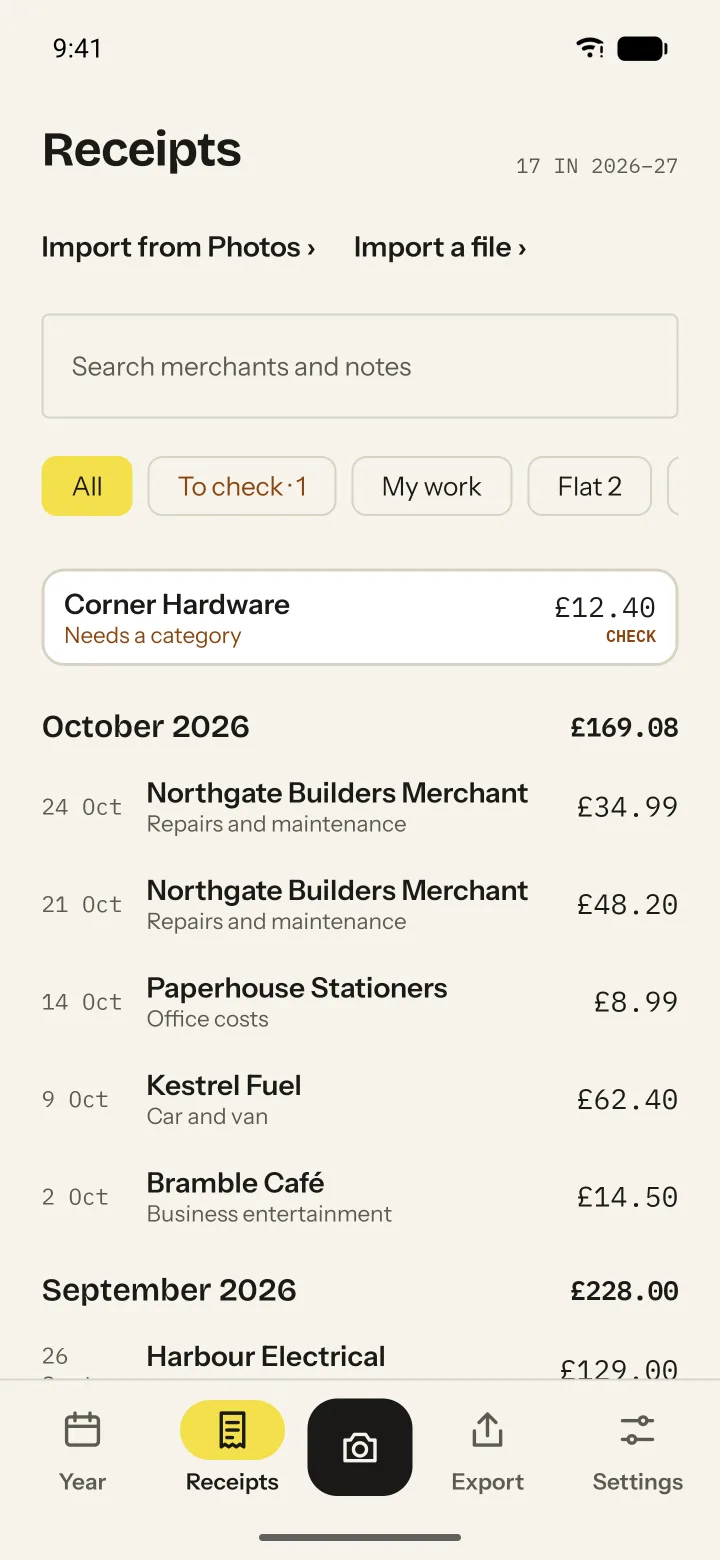
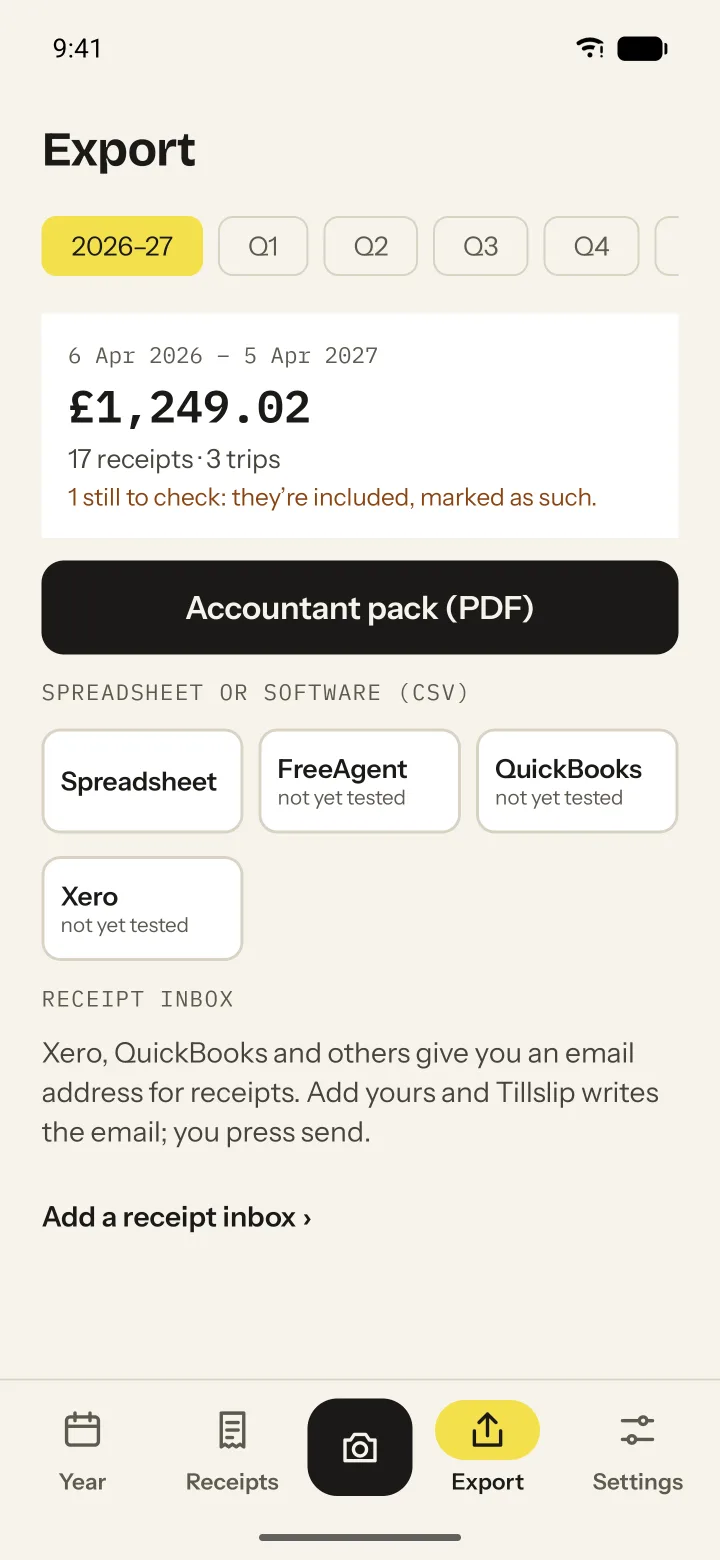
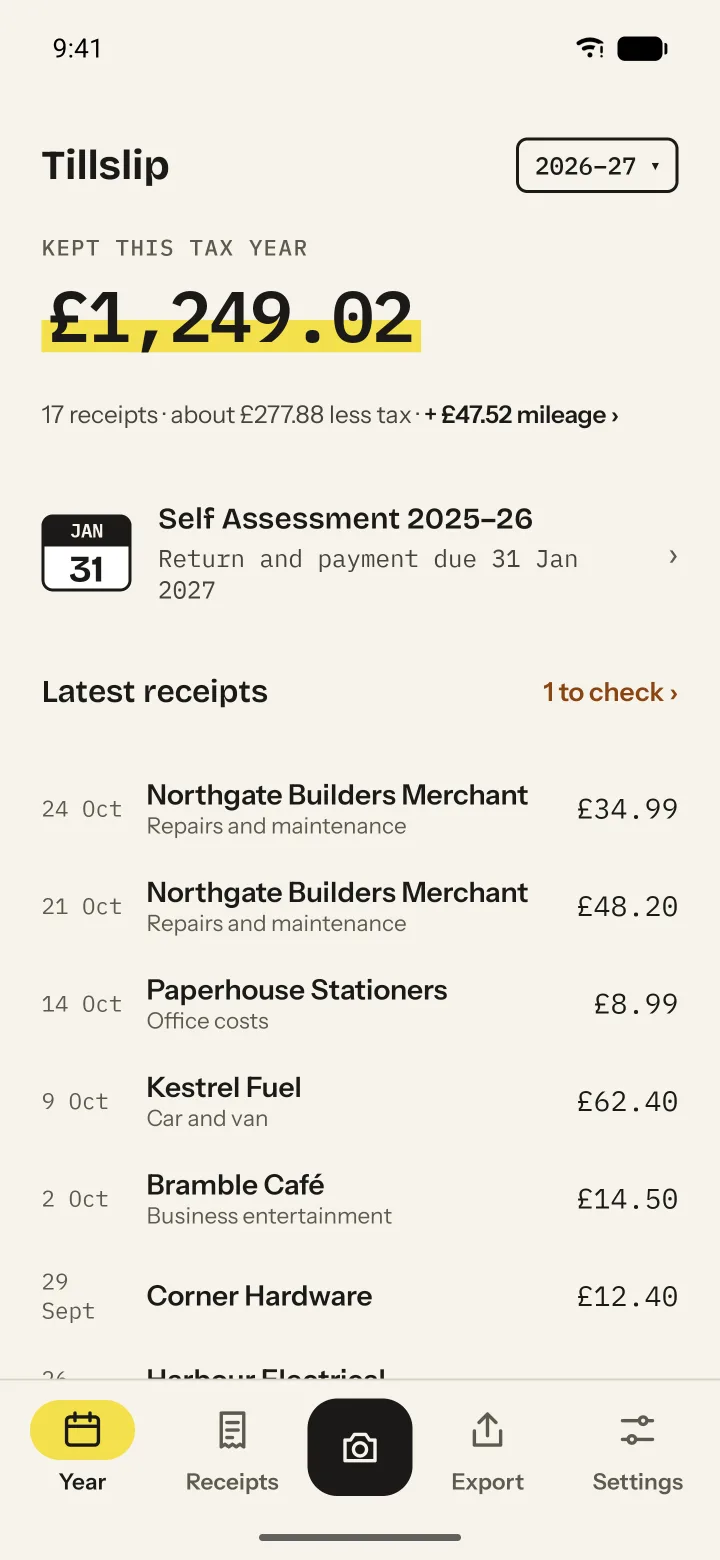
Made-up example data.
Tell me when it’s out
Leave your email and we’ll send one message when Tillslip launches. Nothing else.
Android first, in early 2027. iPhone after that.
Questions
Does it file my tax return or Making Tax Digital updates?
No. Tillslip keeps your records and totals ready. Your accountant, or the software they or you use, sends them to HMRC. Tillslip isn’t made by or affiliated with HMRC.
Do I still need Xero or FreeAgent?
Not to use Tillslip. If you already use one with bank feeds, its own receipt capture may be enough; Tillslip is built for everyone else, and exports to them if your accountant uses one.
When can I get it?
Android first, in early 2027. iPhone after that. People on the list hear first.
What will it cost?
It’s a yearly subscription, with a founding price for early users. The list hears the price first. Viewing and exporting what you’ve filed stay free.
Where is my data?
On your phone. If you turn on backup, copies go to your own Google Drive. We never see your receipts.